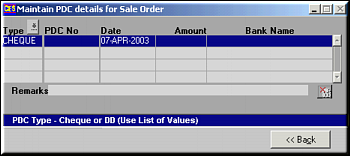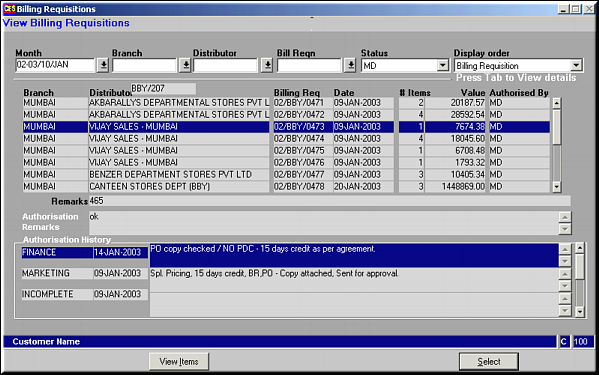
Enter criteria to select billing requisitions by and press
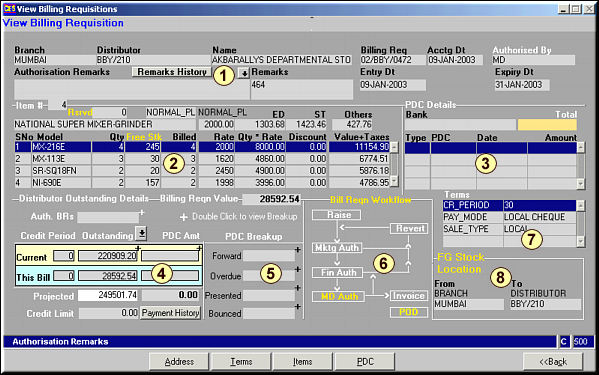
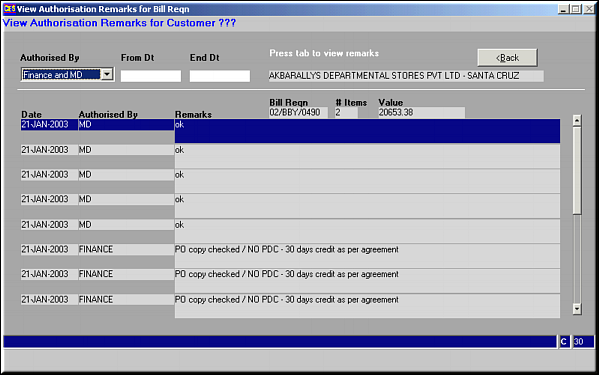
1.Shows the BR header details. Click Remarks History to view a list of remarks from each of authorising authority.
2.Shows item details – product code, quantity, rate and tariffs.3.Shows the PDC details for the BR4. Gives the details of amounts outstanding with the distributor. Click on Payment History to get a history of payments by invoice.
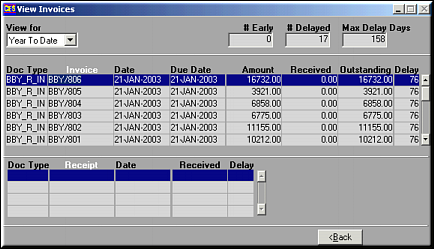
5.Shows the Breakup of PDCs upto now.6.Is a workflow diagram on how the BR passes through various stages of approval.7.Shows the terms maintained with the distributor.8.Shows the FG stock location status.
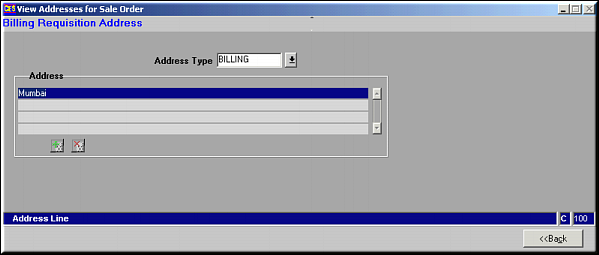
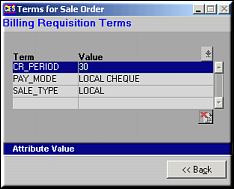
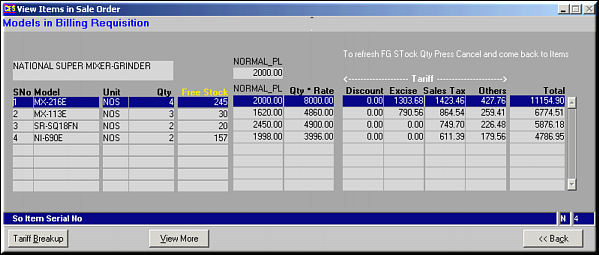
Click Tariff Breakup to view the breakup on tariff for the BR. Click View More to view items details – Tariff and Budget Contributions.