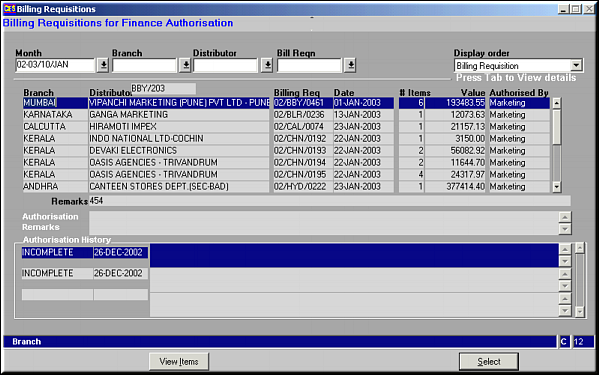
Enter month, branch, distributor or Bill Reqn. No. and press
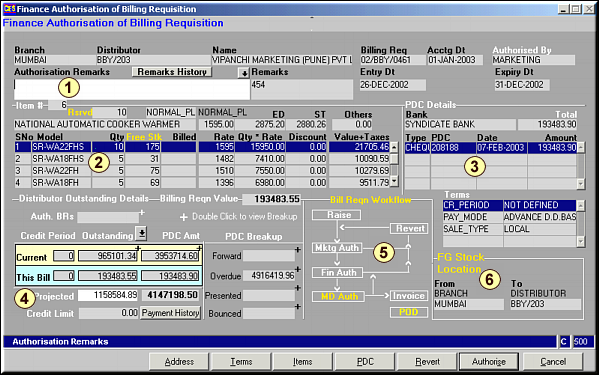
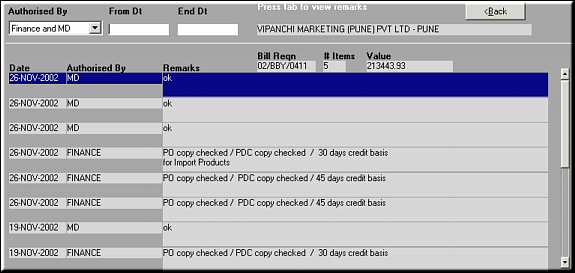
Area 1: Details of the BR are shown here. Enter any Remarks as needed. Click Remarks History to view all the remarks entered till now.Remarks History
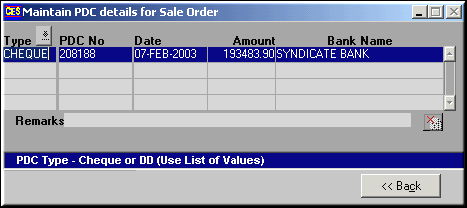
Area 2:Details of Items requisitioned under the BR is shown.Area 3:Details on Post Dated Cheques received from the distributor.Area 4:Details of Distributor Outstanding details for reference while authorizing. Click Payment History to view a history of payments made by the distributor.
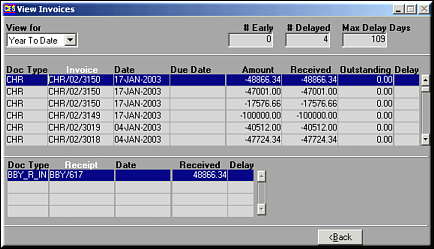
Area 5: Gives a Work flow chart on BR ProcessingArea 6: Details of Finished Goods Stock Location.
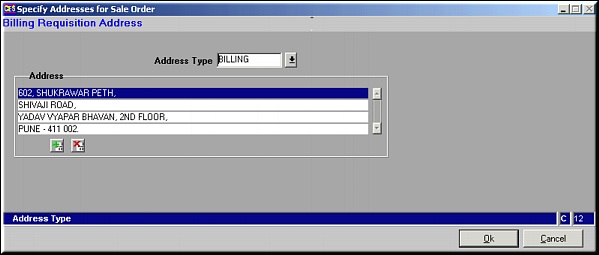
Use buttons
 and
and  to add or delete address lines. Click OK to save changes and exit.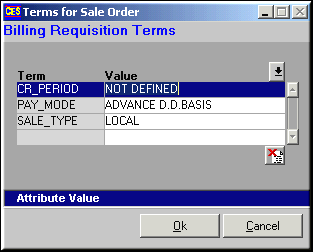
Use
to delete terms. Click OK to save and exit.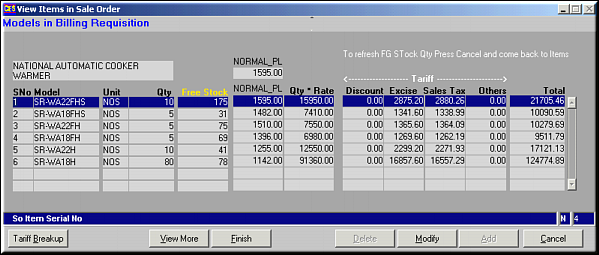
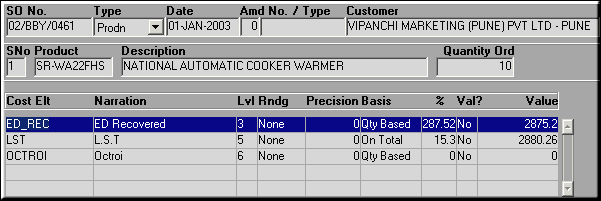
Click Tariff Breakup to view the item wise tariff breakup.Click View More to view additional details about the items.
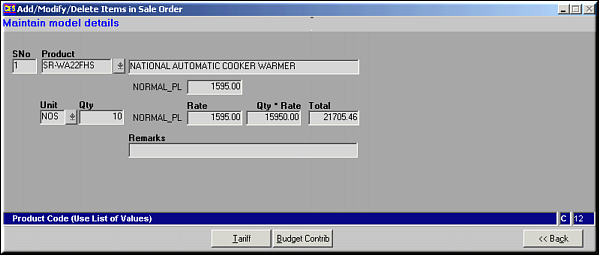
Click Tariff to view tariff breakup for individual items
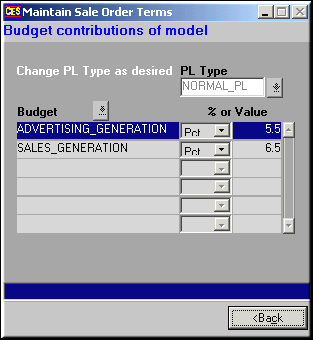
Click Budget Contrib to view the budgeted contribution by each item.
Click Modify to modify item details – including Tariff and Budget Contributions.