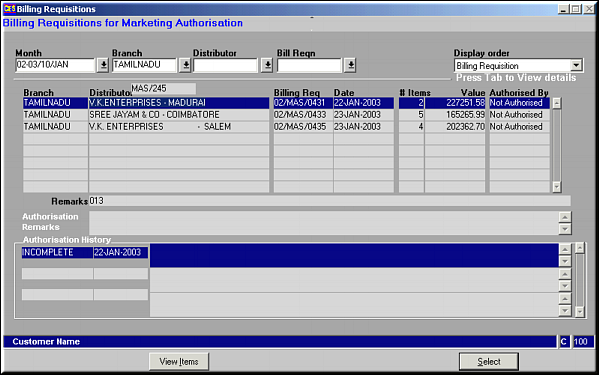
Enter the criteria to filter by for viewing BR's. Click Select to select the BR to Authorise.
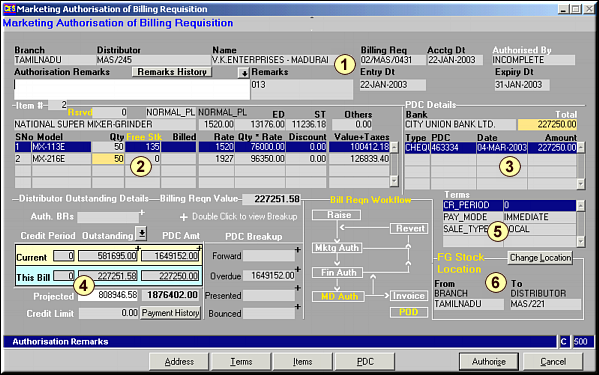
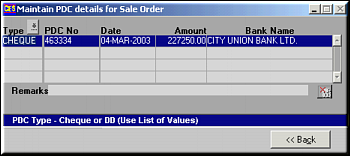
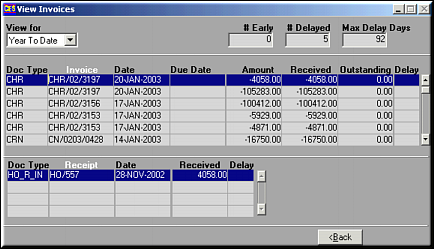
Area 1: BR header details are seen here. Enter any Authorisation remarks.Area 2: Items in the BR, quantity, free stock, rate and values.Area 3: PDC details against this BR.Area 4: Distributor's O/s details after considering this bill. Click Payment History to view the distributor's payment history.
Area 5: Terms agreed to with the distributor.Area 6: FG Stock location Information. Click Change Location to view a list of locations to change to.
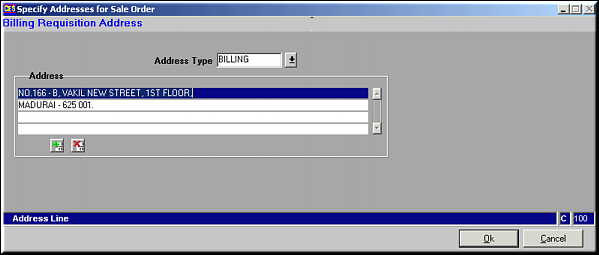
Make necessary changes and click OK to save. Use buttons
 and
and  to add / delete address lines.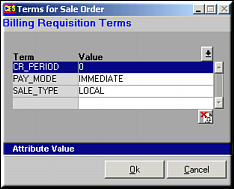
Make necessary changes and click OK to save.
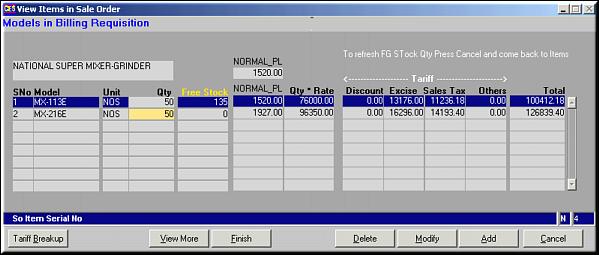
Given are the details of items participating in the Billing Requisition. Items may be added, modified or deleted along with tariffs and budget contributions. To view more details on the item – tariff and budget contributions – click View More. Click Tariff Breakup to view breakup on tariff.