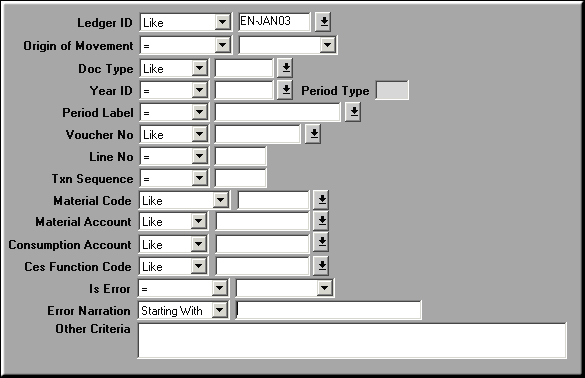
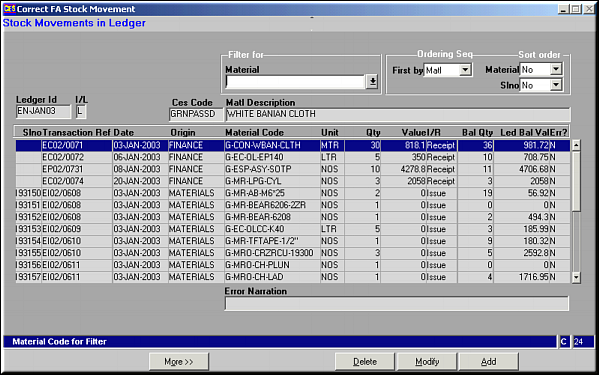
Use Add, Modify and Delete buttons to correct the stock movements.
 Lines with error have the Error Narration displayed.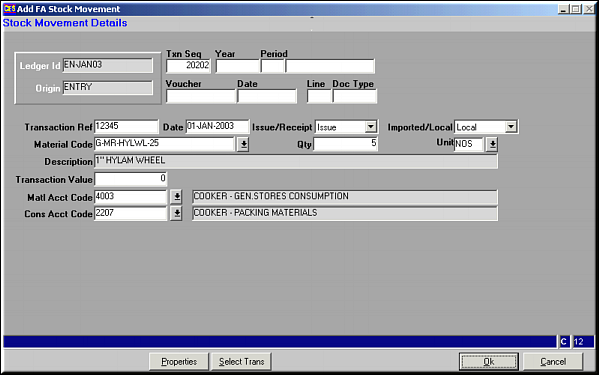
Enter transaction details and click OK to save.If movement is similar to another movement already available, click Select Trans to select the transaction from a list. Make necessary changes and click OK to save.
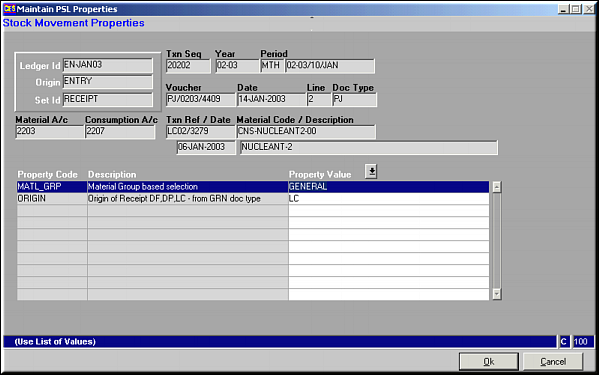
Enter Property Values and click OK to Save.
If there is a change in Account Code Translation due to change in property values, a message is shown. Choose to retain Old A/c Codes or change to New A/c Code as needed.