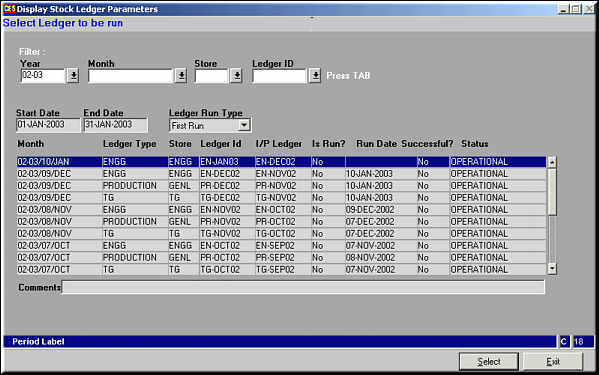
Click Select to select a ledger to be run
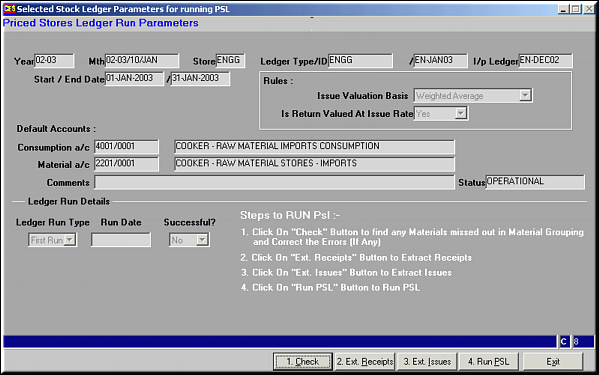
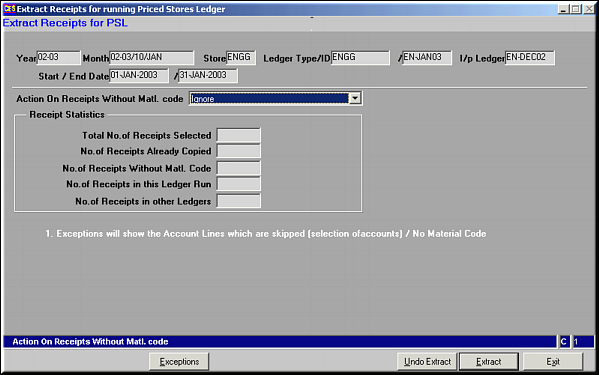
Click Extract to extract receipts.Click Undo Extract to undo the extraction done.Click Exception to view Account Lines that are skipped.Action on Receipts without Matl. Code – one of Ignore / Extract / Generate IssueOn completion of Receipts Extraction, statistics are given on it.
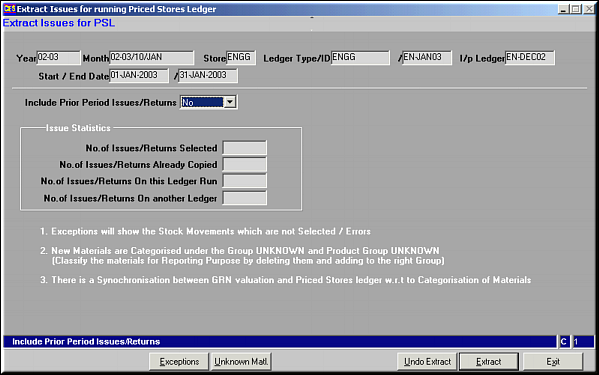
Click Extract to extract issues.Click Undo Extract to undo the extraction done.Click Exception to view Account Lines that are skipped.Click Unknown Matl. to view list of new materials Grouped as Unknown
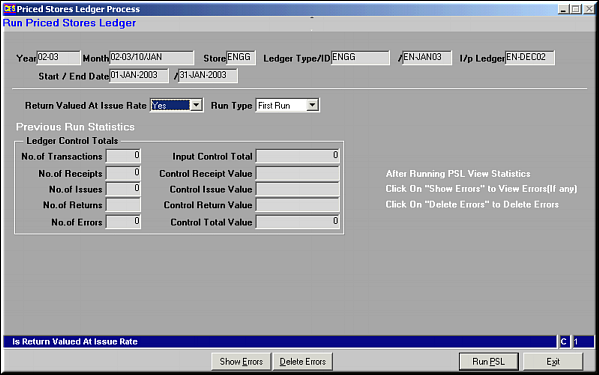
Click Run PSL to run the ledger and arrive at stock balancesClick Delete Errors to delete errors in FA stock MovementClick Show Error to show errors in FA stock Movement