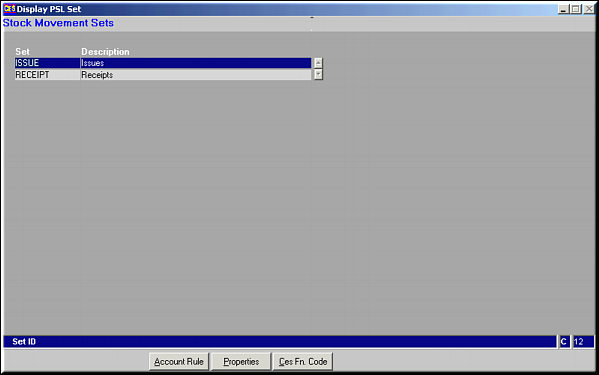
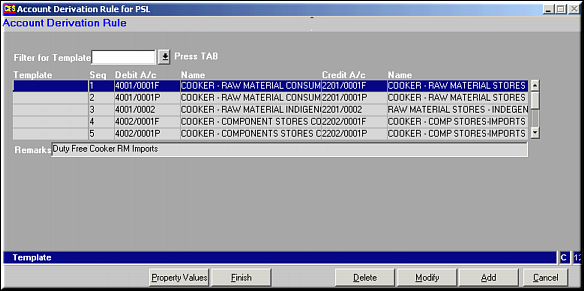
Account Derivation Rules may be Added, Modified or Deleted. Add Rule
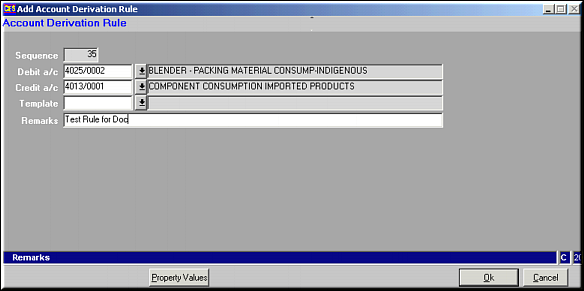
Enter Debit and Credit Account Codes and Click OK to save Rule. Similarly, Account rules can be modified or deleted. Click Property Values to add Property Values for the Rule.
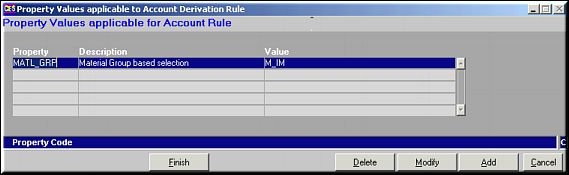
Existing Property values are seen. This will not exist for a new rule. Property values can be added, modified or deleted.Add Property Value
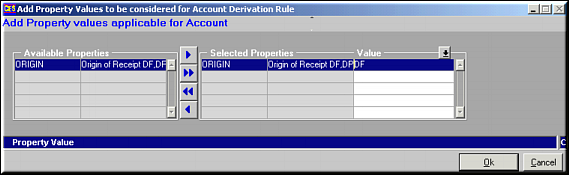
Properties set up using MAINTAIN STOCK MOVEMENT PROPERTIES (PS03) are seen on the left. Use buttons
 ,
,  ,
,  ,
,  to select / deselect Properties and set up their values. Similarly, properties can be modified or deleted.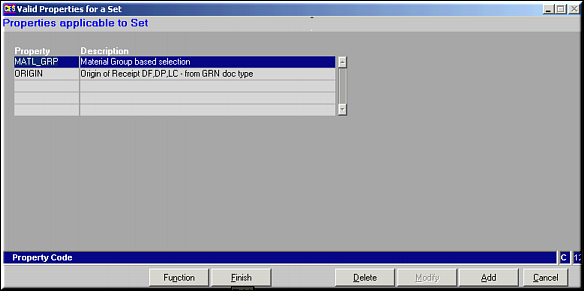
Properties Applicable to the set may be added or deleted and the function to be used to derive their value can be set. Use buttons Add & Delete.Note: Only properties already set up using MAINTAIN STOCK MOVEMENT PROPERTIES (PS03) may be added if left unutilised.Click Function to set up the function for determining property value.
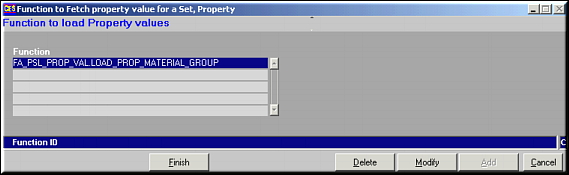
The function may be modified or deleted.
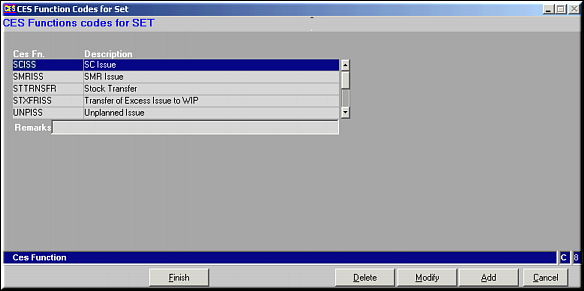
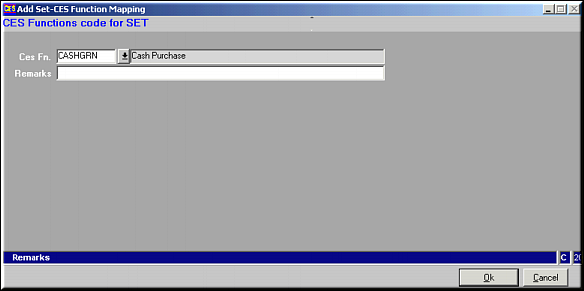
CES Function Codes are internal codes assigned by the system to identify nature of Stock Movement. CES Function Codes may be Added, Modified or Deleted for a given Set.Add CES Function Code to Set