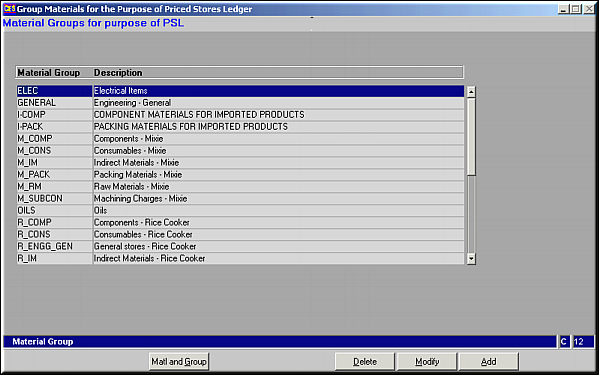
A list of available Material Groups is seen. Click Matl and Group to see the parts grouped under each material group.
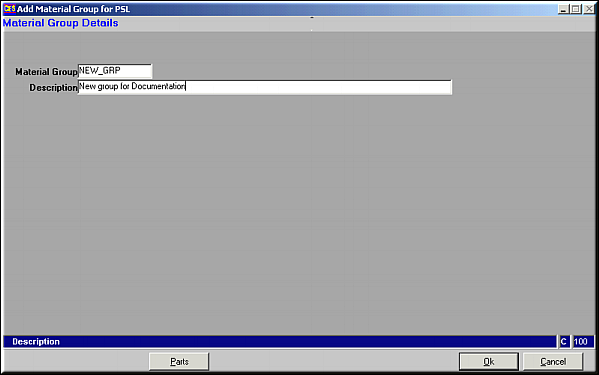
Enter Group Name and Description and click OK to save Material Group.Click Parts to maintain Material Parts information for this group.
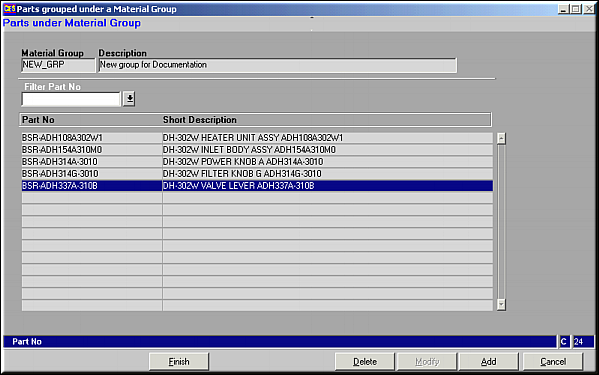
A List of Parts under the Group is displayed for already existing groups. When Group is being created this screen is empty. Parts may be Added or Deleted from a Group.
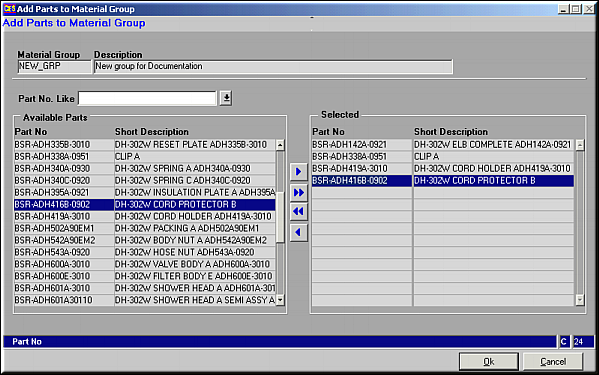
A complete list of all available parts is shown on the left.Use buttons
 ,
,  ,
,  ,
,  to select / deselect Parts. Click OK to save. Similarly Parts can be deleted from a group.Once parts have been included, click Finish to save changes.