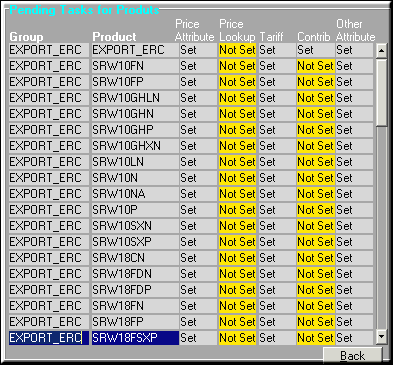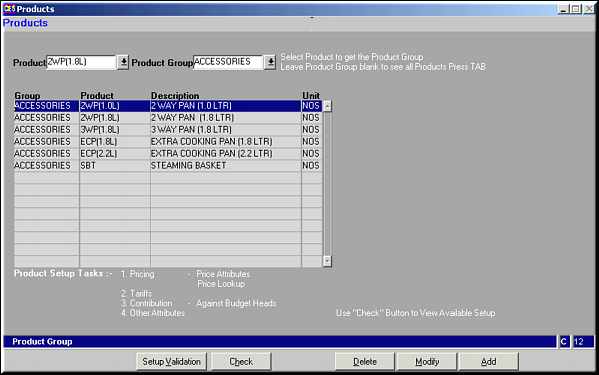
Enter Product and Product Group to get a list of all products under the group.
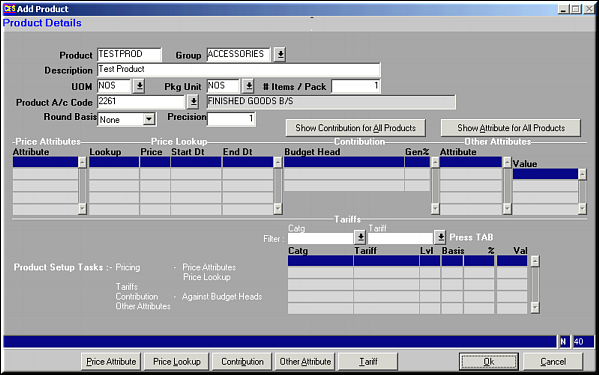
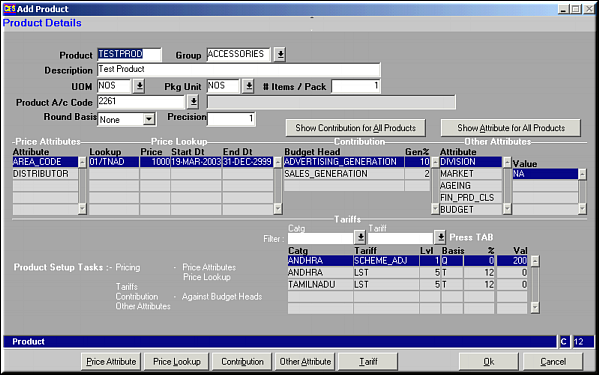
Enter values for fields and click OK to save.Click Show Contribution for All Products to view a list of contributions made by each product.Click Show Attribute for All Products to view a list of all product attributes.
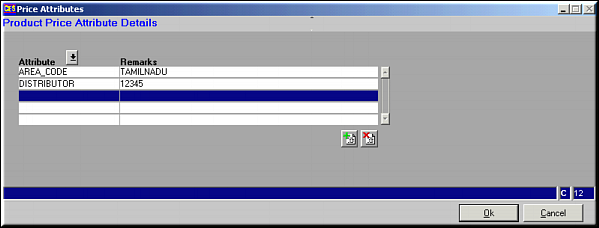
Enter attributes and click OK to save. Use buttons
 and
and  to add / remove attributes.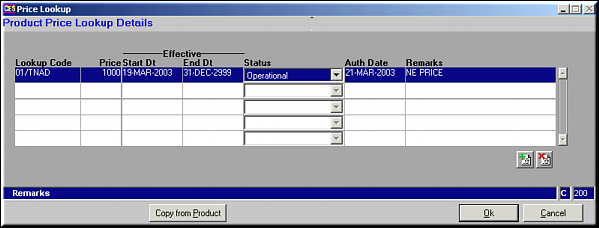
Click on Copy from Product to copy the price lookup of a similar product. Click OK to Save. . Use buttons
and to add / remove price lookup codes.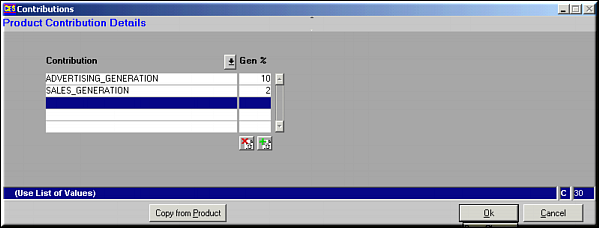
Click on Copy from Product to copy the Contribution of a similar product. Click OK to Save. . Use buttons
and to add / remove Contribution codes.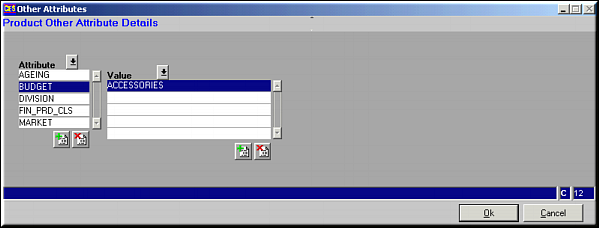
Click OK to Save. Use buttons
and to add / remove Attributes and their values.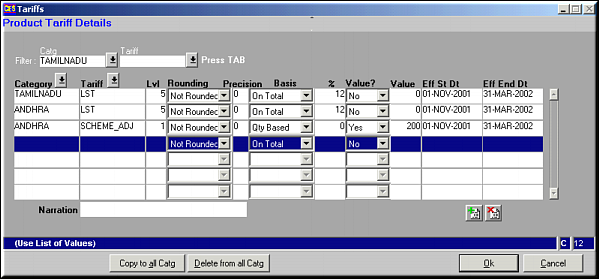
Click Copy to all Catg to copy the same tariff across all categories.Click Delete from all Catg to delete the tariff across all categories.Click OK to Save. Use buttons
and to add / remove Tariffs.