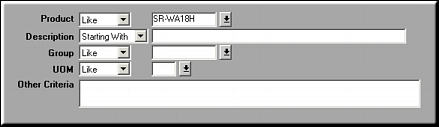
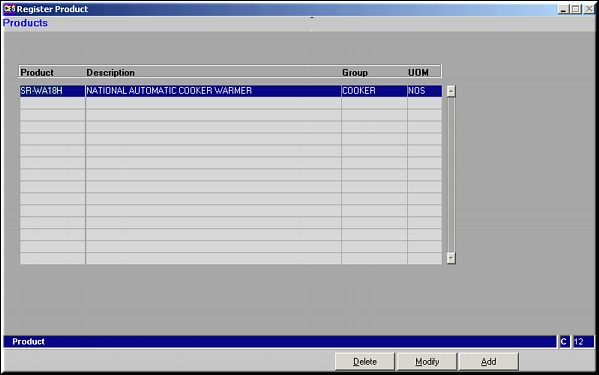
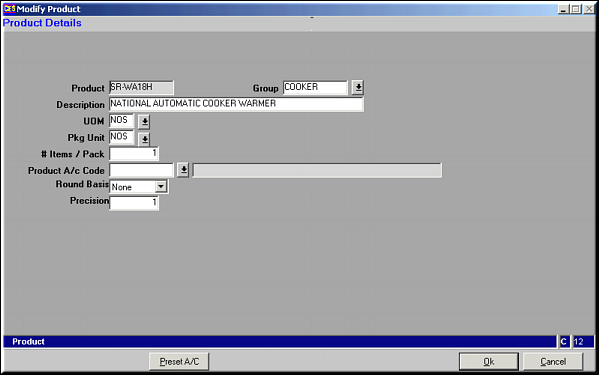
Enter values for Product Code, Product Group, Description, Unit of Measure, Packing Units, No. of Items per Pack, Product Account Code, Rounding Basis (Round / Round Up / Round Down) and the Precision.Click Preset A/c for setting preset account translations.List of Account Presets
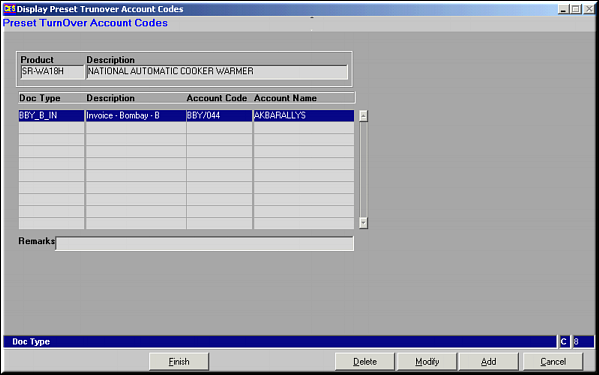
Add, Modify or Delete Presets and click Finish to Save changes.Add Preset Account Codes
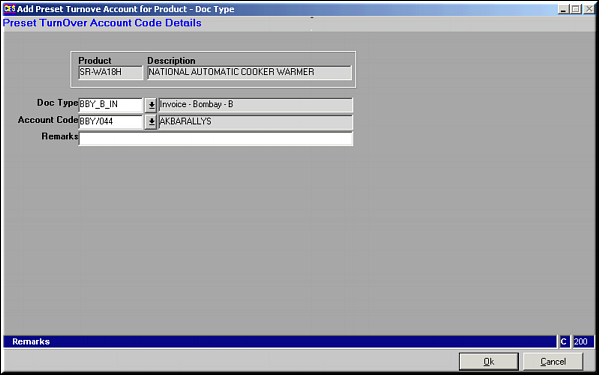
Enter the Doc Type and Account Code and click OK to save. Similarly account presets may be modified or deleted.