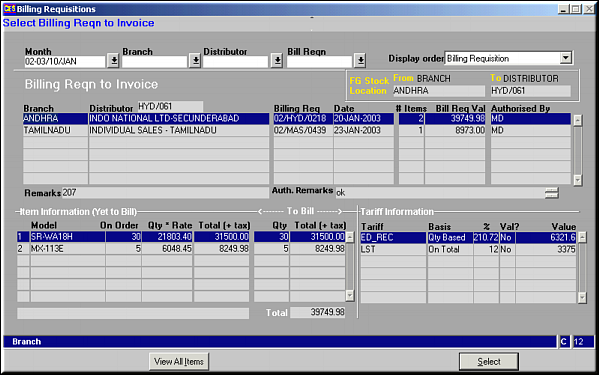
Click View All Items to get a list of all items under the BR. Screen shows information on items yet to be billed, tariff information and FG Stock position.
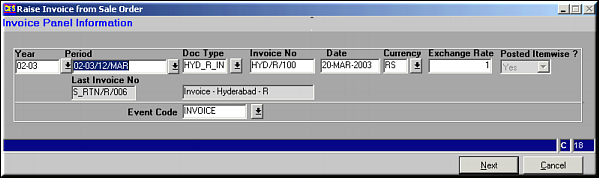
Enter Invoice Panel information and click Next.Events and Analysis
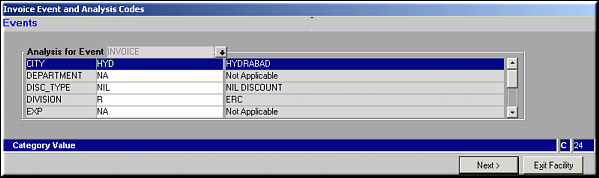
Enter analysis values and click Next.Select Items to Invoice
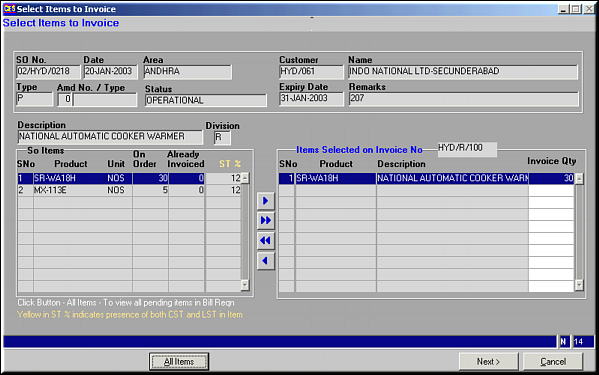
Use buttons
 ,
,  ,
,  ,
,  to select / deselect items to be invoiced and click Next.Click All Items to view a list of all items in the BR.Raise Invoice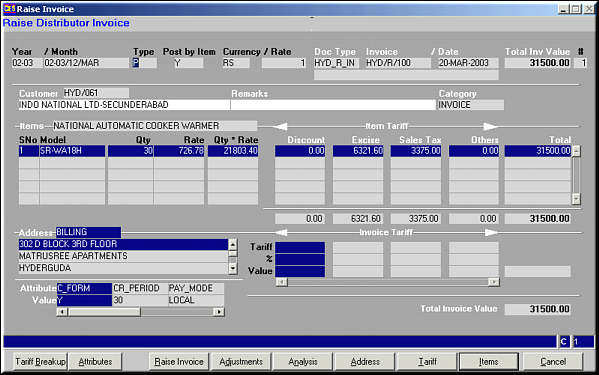
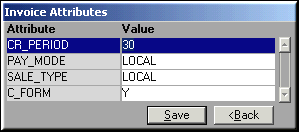
Make necessary changes to attribute and click Save.
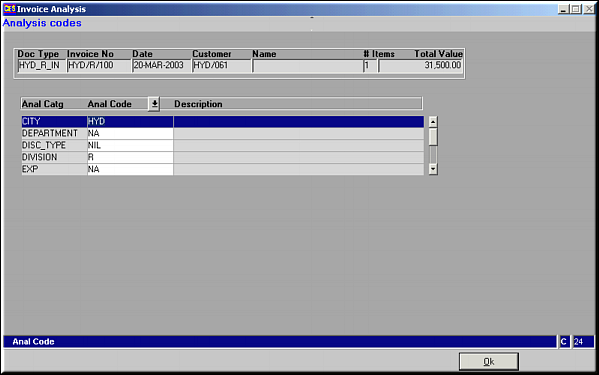
Make necessary changes to analysis codes and click OK to save.
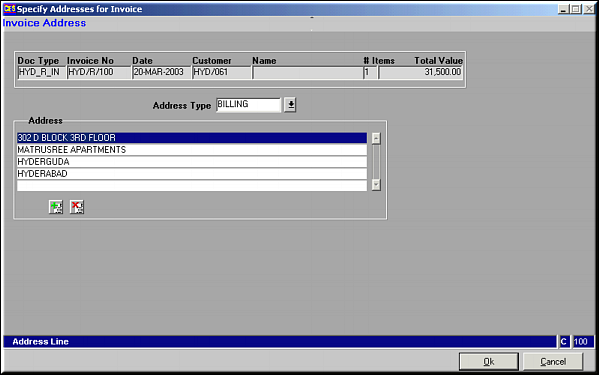
Make necessary changes and click OK to save. Use buttons {bmc ./greenplus.bmp} and {bmc ./redcross.bmp} to add / delete address lines.
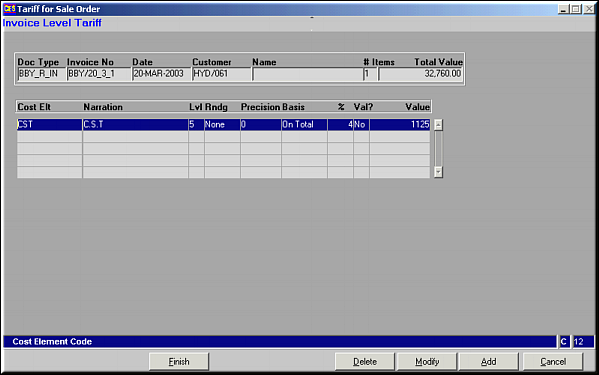
Tariffs can be added, modified or deleted at item levelAdd Item Tariff
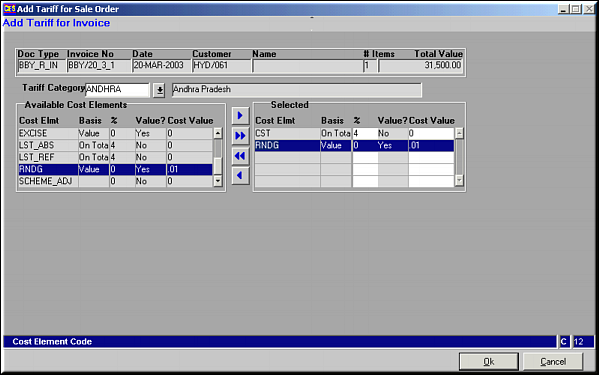
Select Tariff category and Press
, , , to select / deselect tariffs and click OK to save.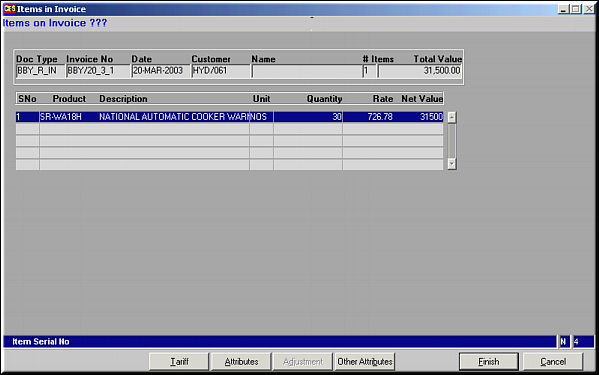
Click Tariffs to view and modify item level tariffs.
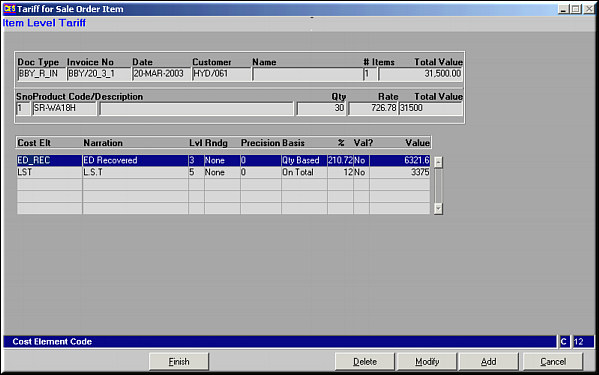
Tariffs can be added, modified or deleted.Click Attributes to maintain item level Attributes
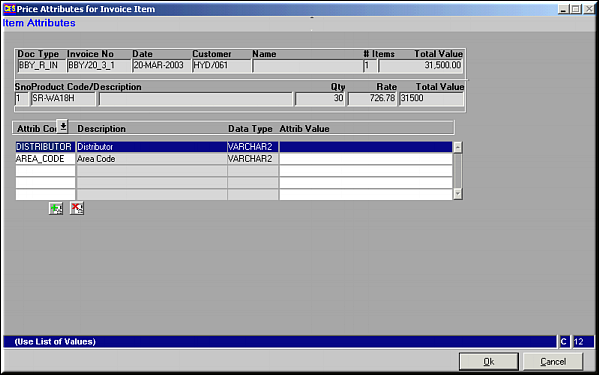
Use buttons
 and
and  to add / delete attributes and click OK to save changes.Click Other Attributes to set other attributes for item.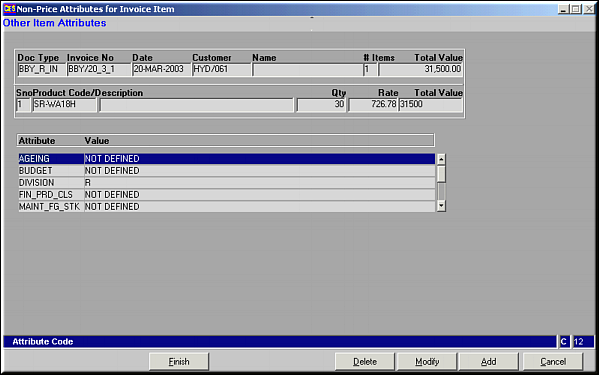
These attributes can be added, modified or deleted.