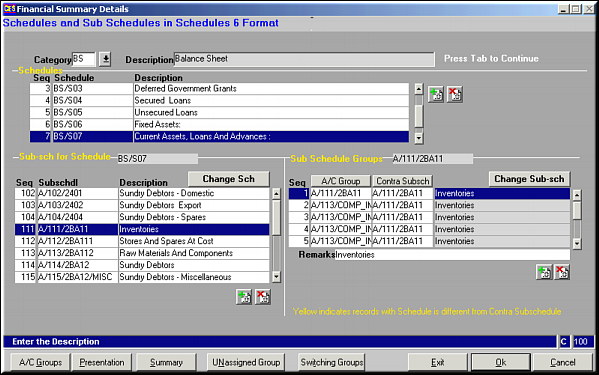
Select the Category for which schedules and sub-schedules need to be set up and press
 and
and  to add / delete schedules, sub-schedules and account groups. Click button Change Sch to shift a selected sub-schedule to another schedule. Similarly click Change Sub-sch to shift selected account group to a different sub-schedule.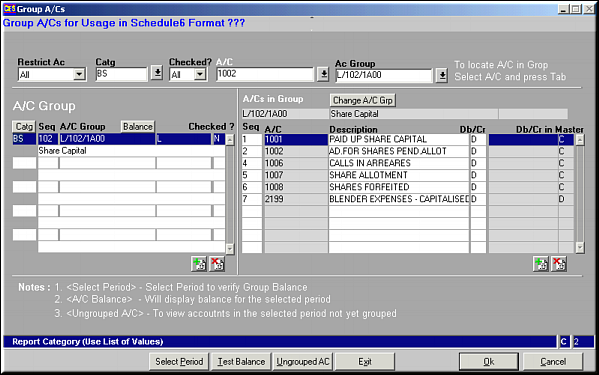
This facility is used to group accounts under an account group. This is better explained in section Group A/Cs (FS02)
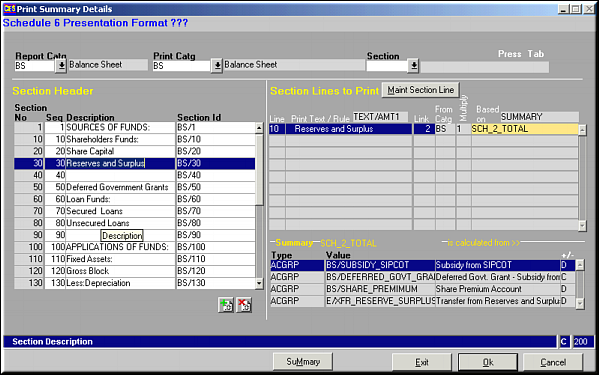
This facility is used to maintain the format on how the information should be presented in Excel. This is better explained in section Presentation Setup (FS05)
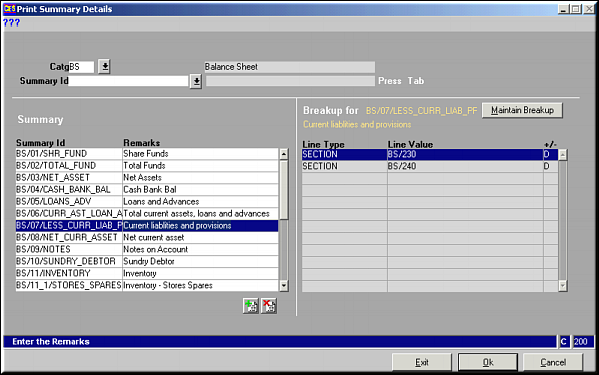
This facility is used to maintain the data that needs to be summarised and during presentation. This is better explained in section Presentation Summary (FS06)