| Function | Register the Bank Statement as produced by the bankers |
| | |
| How To Use | |
| | |
| Filter | Restrict to Account.
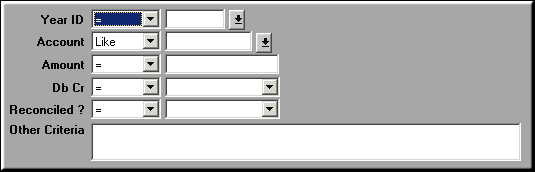
Enter the fields to restrict display by and click OK |
| | |
| Bank Statement | List of Bank Statements.
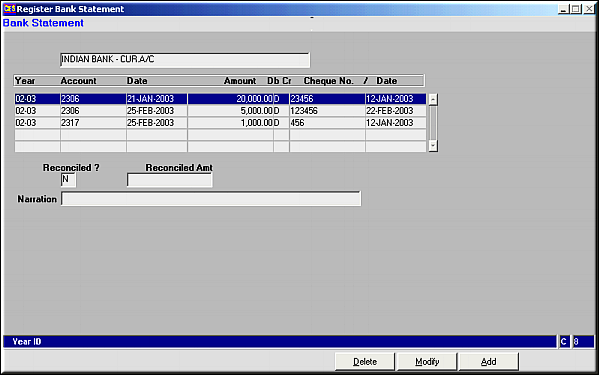
Click Add to add new lines of entry.Click Modify to modify existing linesClick Delete to delete an entry. |
| | |
| Add | Add Lines
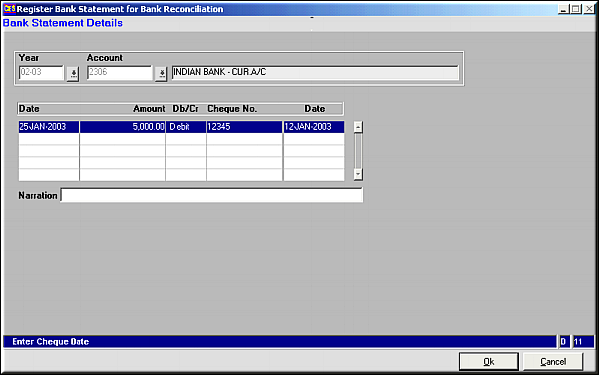
Enter the details and click OK to save data.Multiple lines of entry can be added simultaneously. |
| | |
| Modify | Click to modify a selected line in the bank statement. |
| | |
| Delete | Click to delete a selected line. |
| | |
| Pre-requisites | |
| | |
| Notes | |