| Function | Register and maintain details about the customers |
| | |
| How To Use | |
| | |
| Filter | Filter for Customer
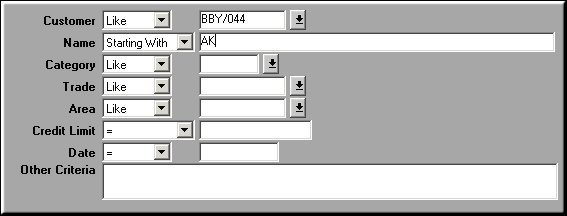
|
| | |
| Query Screen | List of Customers

Customers may be added, modified or deleted. |
| | |
| Add | Add Customer
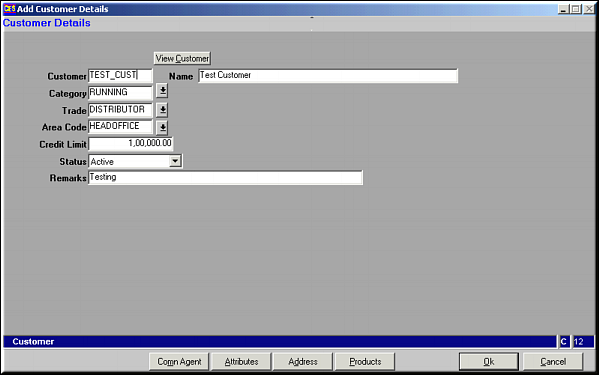
Enter Customer Details and click OK to save. |
| | |
| Comn Agent | Click to maintain Commission Agent detailsList of Commission Agents
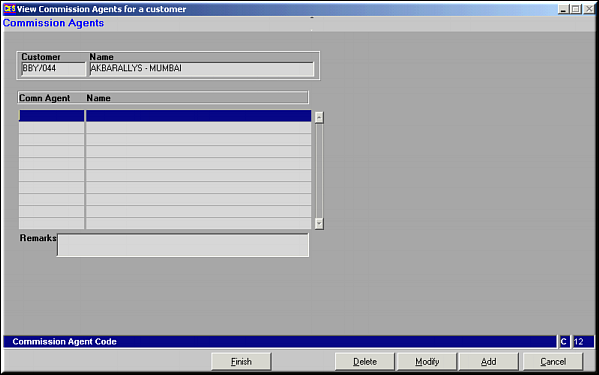
Commission agents may be Added, Modified or Deleted. |
| | |
| Attribute | List of Customer Attributes
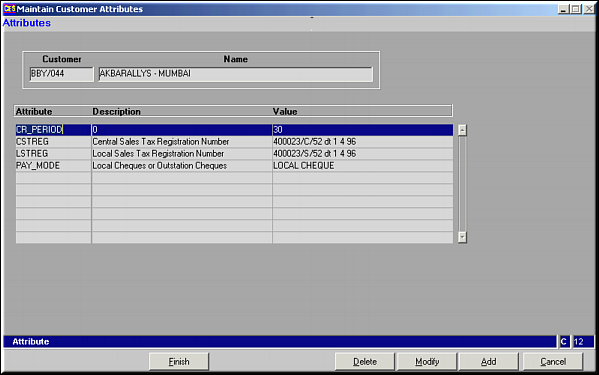
Attributes to a customer can be added, modified or deleted.Add Attribute
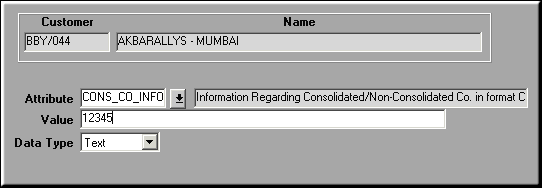
Enter necessary details and click OK to save.Similarly Attributes may be modified or deleted too. |
| | |
| Address | List of Customer Address Locations
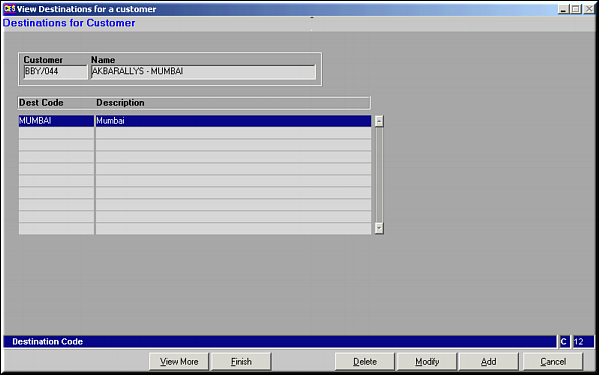
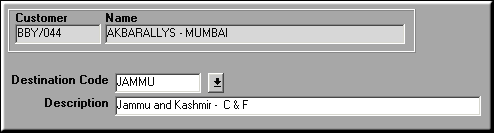
Click View More to view full address of the customerAdd Address
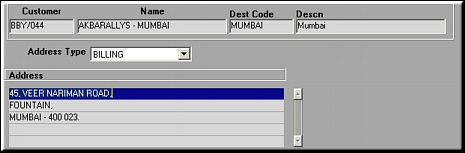
Click Address and view address lines
|
| | |
| Products | Click to view a list of products handled by the customer. |
| | |
| Modify | Click to modify customer details. Screen similar to the Add facility is seen. Make necessary changes and click OK to save. |
| | |
| Delete | Click to delete customer details. Screen shows details about the selected area. Click OK to confirm deletion. |
| | |
| Pre-requisites | |
| | |
| Notes | |