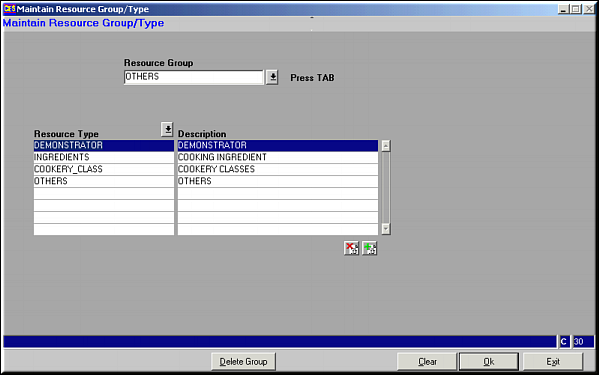
Select resource group and Press
 and
and  wherever available to add / delete Resource Types.
| Maintain Resource Group/Type (BD24) | Previous Top Next |
| Function | Facility to maintain resource groups and resource types. |
| How To Use | Resource Groups and Resource Types Select resource group and Press |
| Pre-requisites | |
| Notes | Use buttons and wherever available to add / delete Resource Types. |