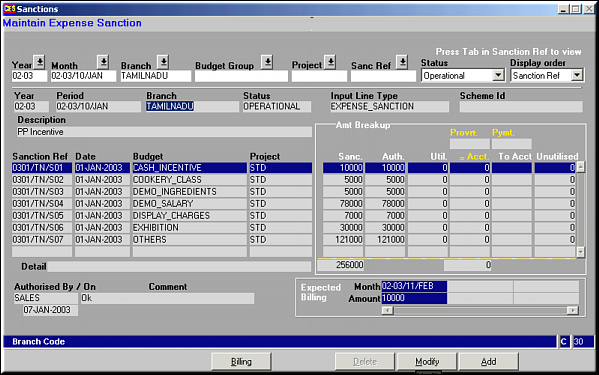
Given is a list of sanctions for the selected branch and month. Also seen is the breakup on amount utilization, authorisation details and the Billing details.
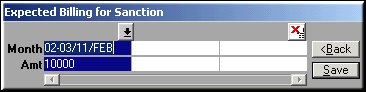
Enter billing details and click Save to save details.
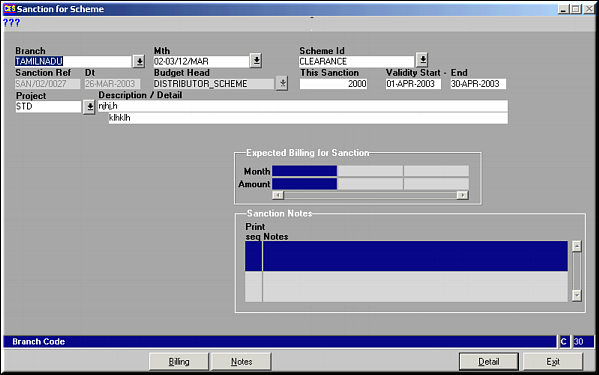
Enter the Sanction Details and click Billing to enter billing information. Screen similar to above billing screen pops up. Enter expected billing details and click Save to save the details.Click Notes to enter Sanction Notes.
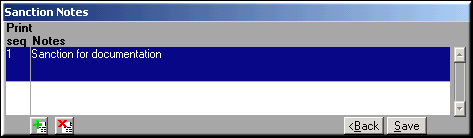
Enter notes on sanction and click Save to save.Click Details to enter details about the sanction.
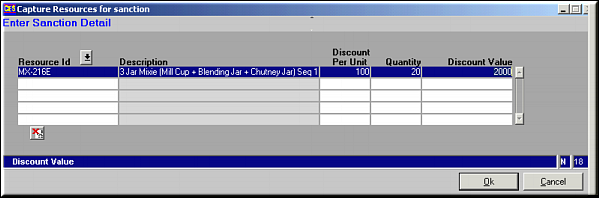
Enter the model number and quantity and click OK to save the details.Sanction is saved with status as Incomplete as this is not yet authorised.
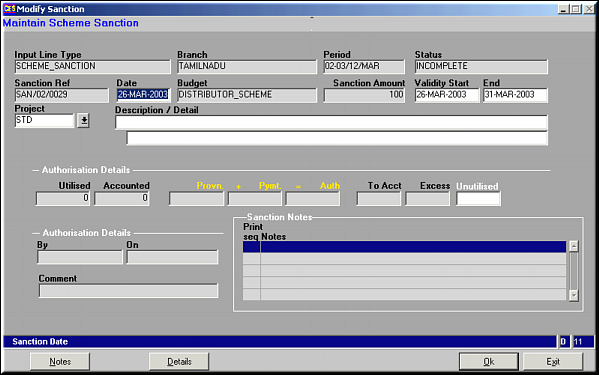
Make necessary changes and click OK to save changes. Use buttons Notes and Details to change notes on sanction and the details respectively.