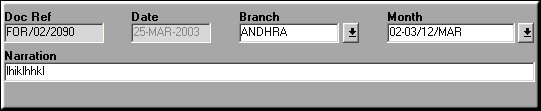
Add Details
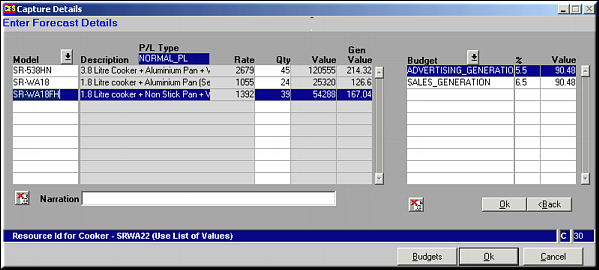
Enter the model and the quantity to be sold. Generation is seen on the right side of the screen. Click OK to rework the figures and save. Click Budgets to reopen budget contribution details.
| Sales Forecast (BD01) | Previous Top Next |
| Function | Facility to maintain the sales forecast for a branch for a period. |
| How To Use | |
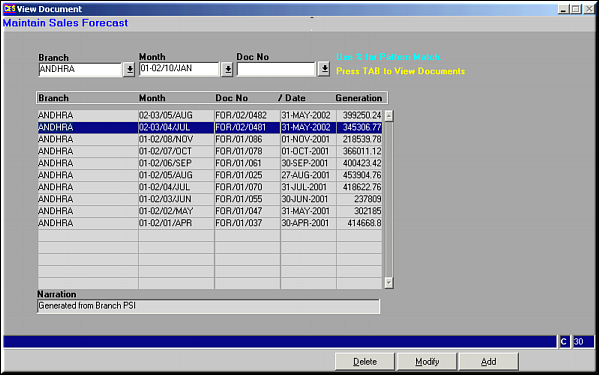
| Query Screen | Sales Forecast Details |
| Add | Add Sales Forecast Add Details Enter the model and the quantity to be sold. Generation is seen on the right side of the screen. Click OK to rework the figures and save. Click Budgets to reopen budget contribution details. |
| Modify | Click to modify sales forecast details. Screen shows already existing details. Make necessary changes and click OK to save. |
| Delete | Click to delete sales forecast. Screen shows the details. Click Delete Doc to confirm deletion. |
| Pre-requisites | |
| Notes |