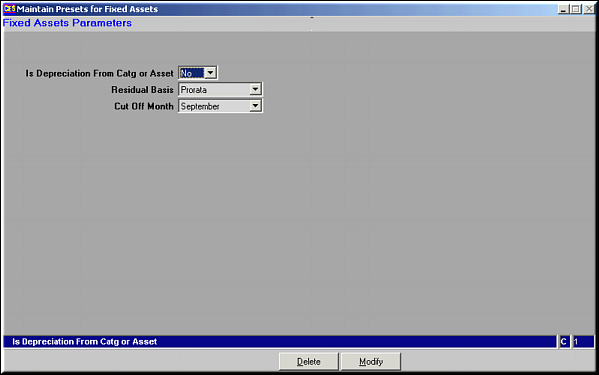
The set of already existing presets is seen. Click Modify to make changes to presets.
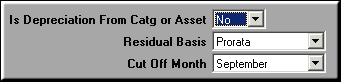
Make necessary changes and click OK to save changesFields to be entered are
| Maintain Presets for Fixed Assets (AS01) | Previous Top Next |
| Function | Maintain the Parameter presets for Fixed Assets module. | |
| How To Use | ||
| Query Screen | Existing Presets The set of already existing presets is seen. Click Modify to make changes to presets. | |
| Modify | Modify Presets Make necessary changes and click OK to save changesFields to be entered are | |
| Is Depreciation from Category or Asset | Values Yes/No. Used to determine if depreciation should be calculated per asset or per asset category | |
| Residual Basis | Cut off Month or Pro rata. Depreciation on assets Acquired or disposed during the course of the financial year can be charged based on cut-off month or pro-rata. | |
| Cut-off Month | Month of the Year. The month which should be taken as the cut-off for charging depreciation. | |
| Delete | Click to delete existing presets. Screen similar to the Query screen is seen. Click OK to confirm deletion. | |
| Pre-requisites | ||
| Notes | ||