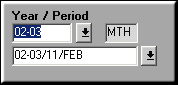

Note that the Doc Type is set to PROV.

Enter the voucher header details. Give Start and End date between which to select GRNs from and Click Select GRN
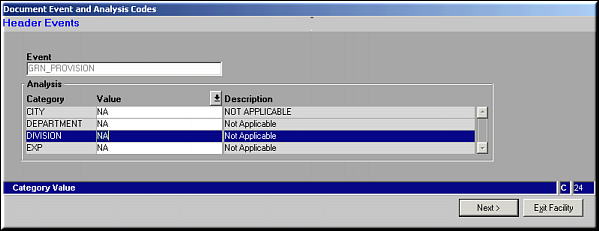
Enter values for header events and click Next.
Select GRNs
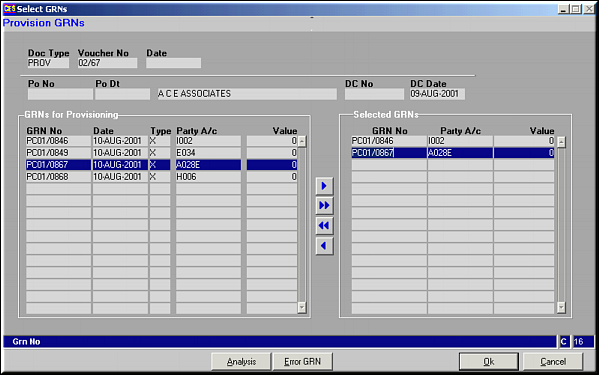
Use buttons
 ,
,  ,
,  ,
,  to select / deselect GRNs.Click Analysis to view/modify analysis for GRN.Click Error GRN for a list of GRNs with errors.Click OK to select the GRNs