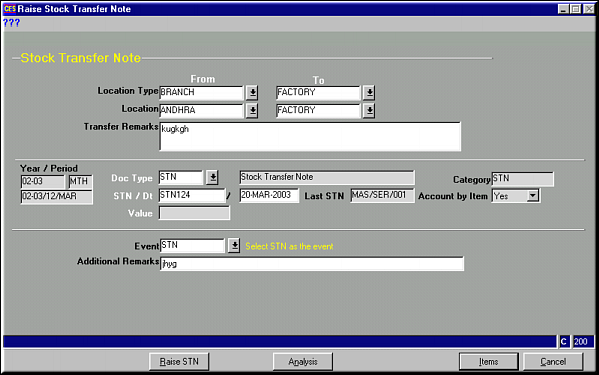
Enter values for fields and click Raise STN to raise STN and save..
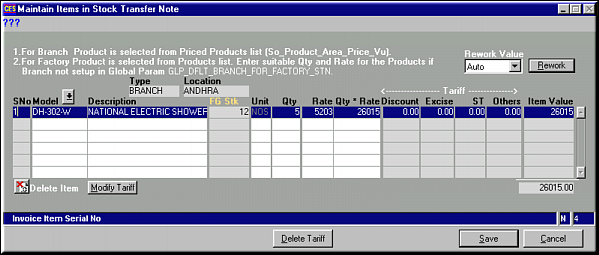
Enter the model and quantity of items transferred and click OK to save.Click Modify Tariff to modify the tariff information.
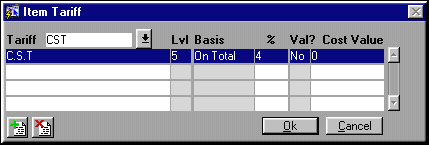
Click OK to save tariff information.Click Delete Tariff to delete the tariff on selected item.Click Save to save and go back to header.